Task Paralysis: A Five-Minute Way to Start
Task paralysis can make a clear task feel hard to enter. Use this five-minute reset to name one next action, remove a choice, and leave a restart note.
By All-in-One Task Tracker by Cosmo Suite · Editorial policy
Published · 7 min read

You can know a task matters and still sit with the file closed. The label in your list says “prepare the update,” but that could mean finding last month’s notes, checking the numbers, choosing slides, or writing the first line. Too many hidden steps can make the start hard to see.
Start with one physical action, work on it for five minutes, then leave yourself a note about where to resume. Treat the timer as an entry point. The task can take longer. “Task paralysis” is an informal phrase for feeling stuck at the start. It does not explain the reason or diagnose a condition.
Key Takeaways
- Replace a broad task label with one visible action.
- Use five minutes as a starting window, not a test of willpower.
- Before stopping, write the next action so you do not have to solve the task again.
Task paralysis at a glance
Task paralysis is an informal phrase people use when they want to start but feel stuck before the first move. In this post, task initiation means beginning that first action. The terms describe the moment you are moving from a task label to a visible step; they do not identify why it feels hard.
| What the task says | What is hard to see | A first move |
|---|---|---|
| Prepare the update | Which material belongs in it | Open the last update |
| Sort the paperwork | Which papers need action | Put today’s mail in one pile |
| Plan the appointment | What to decide first | Find the phone number |

Illustration: a large task label becomes a single visible action.
The smaller action gives you a clear place to begin. It may or may not make the rest feel easier. If that step still feels too big, reduce it again. “Open the folder” is smaller than “organize the folder.” “Find the appointment number” is smaller than “schedule everything.”
What is the cause of task paralysis?
There is no single cause you can infer from the phrase alone. A task may feel difficult to start because its label hides several decisions, because you cannot tell what “done” means, or because another task keeps competing for attention. Those are practical friction points to inspect, not a diagnosis.
Start by rewriting the task as a visible result. “Work on the committee update” does not say what you will see when you have made progress. “Open the last update and copy its date into a new file” gives you a first move and a way to check it.
If several options are the problem, choose one small decision and park the rest. For example, decide which update to use as a starting point. You can choose the slide design after the notes are in one place. Avoid trying to plan every step before you begin the first one.
If you cannot tell where to stop, set a boundary for the first session. It might be one paragraph, one phone call, or five minutes. The boundary is there to make the start manageable. It is not a claim that the whole task fits inside that time.
The five-minute reset, worked through
In this guide, five-minute start means using five minutes to enter the task and create a next step. The University of Sydney Counselling and Psychological Services guide recommends breaking work into manageable components and describes trying a task for five minutes, then deciding whether to continue. Use that as a low-pressure starting option. The task may take longer.
Imagine you need to prepare a six-slide update for a volunteer committee by Friday. “Prepare the update” is too large to act on. Try this sequence instead:
- Name the first visible result. For this session, the result is a new file with the previous update’s date and title. It is not a finished presentation.
- Choose one physical action. Open the folder where the previous update lives. If you do not know the folder, search for the committee’s name.
- Remove one choice. Use the last update as the starting point. Do not choose a new design yet.
- Set a five-minute timer. Copy the old file or make a list of the three items that changed. Keep the timer optional if a timer adds pressure.
- Check the result. Ask whether you have a useful next step. If yes, continue or stop. If no, shrink the action: open the folder, find the file, and write down its name.
- Leave a restart note. Before closing the file, write “Next: check the dates on the volunteer schedule.” That note carries the next decision for you.

Illustration: the five-minute session is a small entry point, not a completion target.
The University of Sydney guide also suggests estimating task time and scheduling tasks you have been putting off. You do not need to use every tip at once. For this reset, keep only the first action, the short window, and the restart note. A routine with fewer decisions is easier to repeat.
Make the first action smaller
Write the next action with a verb, an object, and a visible result. “Prepare slides” is still a project label. “Open last month’s slides and copy the title” tells you what to do and what should appear when you finish that step.
| Broad label | First action | Visible result |
|---|---|---|
| Reply to the supplier | Open the latest email | The question you need to answer is on screen |
| Review course notes | Open the week-three notes | One section is ready to read |
| Plan the household repair | Find the repair estimate | The estimate is in front of you |
You can also make an if/then plan: “If I open my laptop after lunch, then I’ll open the committee folder.” In a 2001 paper on implementation intentions, Brandstätter, Lengfelder, and Gollwitzer reported four studies, including two experiments with university students under cognitive load. Their findings support a narrow point: a specific cue paired with an action can help initiate action in the tested settings. The paper does not test this five-minute routine or show that it works for everyone.
Keep the plan small enough to remember. “If I have a free afternoon, I’ll finish the update” depends on a wide block of time and a finished result. “If I sit down at 2 p.m., I’ll open the last update” names one cue and one move.
Keep one visible list
A short list helps when the task, next action, and restart note stay together. You do not need a new planning system for one stuck task. Put the task in one row, write the next action beside it, and add a date only when there is a real deadline or planned return time.
| Task | Next action | When | Status |
|---|---|---|---|
| Committee update | Open last month’s file | Today | Not started |
| Supplier reply | Read latest email | Thu | Not started |
| Course notes | Open week-three notes | Fri | Not started |

Illustration: keep the task and the next move in the same place.
Keep only the tasks you can reasonably look at. A list of every possible future job can become another large task to organize. If yours has grown, move later items to a separate “later” section and leave the next few actions in view.
If you want a starter layout, the task list template shows a simple set of columns and a filled example. For a spreadsheet that connects a task list to recurring tasks and other views, see how to build a task tracker in Excel. Both guides focus on the rows and fields; this page focuses on getting one row moving.
If five minutes is not enough
If you reach the timer and still feel stuck, you have useful information: the step may be too large, the next choice may be unclear, or this may not be the right time to work on it. Shrink the action, schedule a return, or ask someone to clarify what the task requires.
If you have started but do not want to continue, leave a restart note and stop. “Next: compare the two meeting dates” is more useful than “continue update.” The note saves you from reconstructing the plan when you return.
Some tasks need more than a short start. A form may require documents you do not have. A decision may depend on another person. Put the missing item beside the task and make that the next action. Five minutes can reveal a dependency even when it cannot remove it.
Where the All-in-One Task Tracker fits
The All-in-One Task Tracker (by Cosmo Suite: one Excel and Google Sheets file, 11 tabs, $9 once) is for keeping tasks and their views in one spreadsheet. It includes Variable Tasks, Recurring Tasks, calendars, a Task Filter, and a Decision Matrix, along with Kanban and Gantt views. Those are the product’s listed contents, not a treatment for difficulty starting.
If one visible task list is enough, keep using the list you already have. If you want a spreadsheet with those connected views, review the included tabs before deciding. It works in Excel and Google Sheets. The task list template guide can help you choose the columns before you decide whether you need a larger tracker.
Cosmo Suite publishes this guide and makes the tracker. Read about us and the editorial policy for publisher details and how articles are checked. For questions about the spreadsheet, use the contact details on the About page.
Frequently asked questions
Why can’t I start a task even when I want to?
There is no single answer. Sometimes the task is too broad, the first action is hidden, several choices compete, or the stopping point is unclear. Try naming one physical action you can do in five minutes. If the difficulty keeps affecting daily life, talk with someone qualified to help you understand it.
Does the five-minute rule work for every task?
No. Five minutes is a small starting window, not a promise that every task will feel easy or be finished. If the action still feels too large, make it smaller or choose another first step.
What should I do if I stop after five minutes?
Write the next visible action before you stop. For example, leave a note that says, ‘Open the budget file and check the April total.’ You can decide later when to return.
Is task paralysis a diagnosis?
No. People use the phrase informally for feeling stuck before starting. The phrase alone cannot explain why it is happening or identify a condition.
How do I choose the next task?
Start with the task that has a real deadline or consequence, then define its next action. If several tasks compete, put them in one short list and choose one to enter for five minutes.
Sources
Keep reading
Prioritizing
Finish What You Start: Set a Clear Finish Rule
Finish what you start by defining the result, proof and next action for one open task. Use a clear status to finish it, wait or park it.
· 8 min read
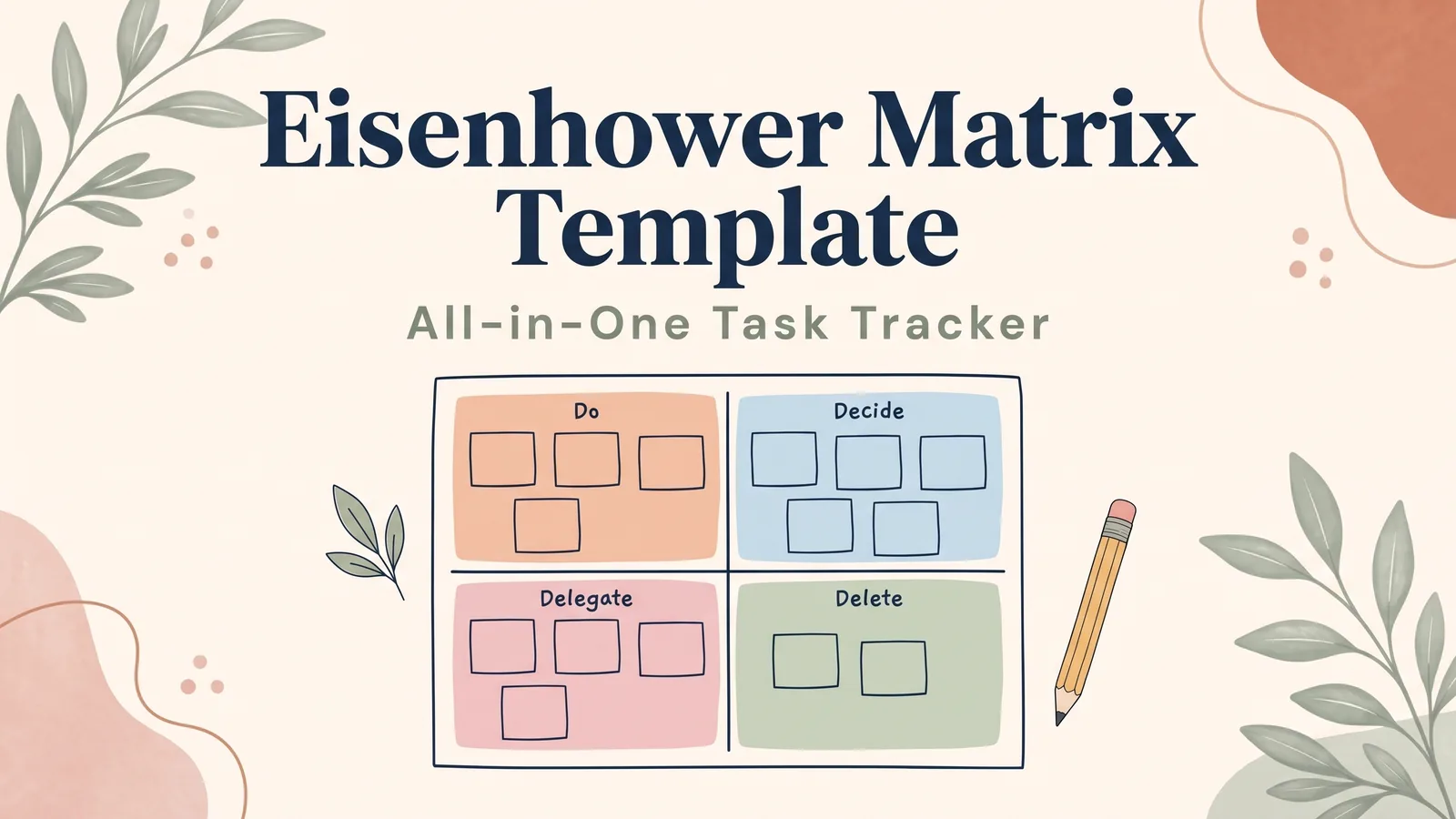
Prioritizing
Eisenhower Matrix Template: The 4 Boxes, Filled In for a Real Monday
Eisenhower matrix template with the 4 boxes filled in: 15 Monday tasks sorted with the reason for each, plus the Excel and Google Sheets formula that does it.
· 11 min read
